Your choice of intelligence
The right model for every job.
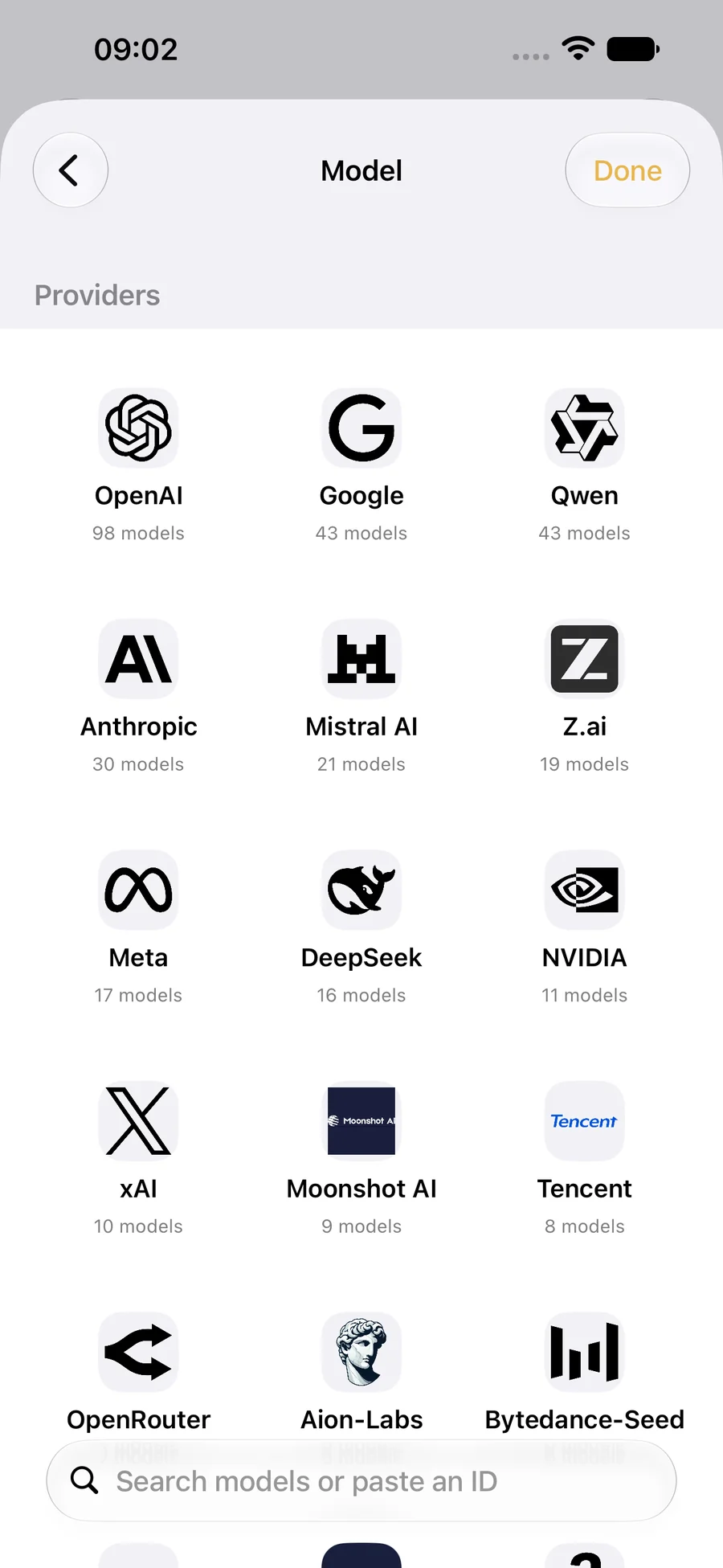
Explore the live OpenRouter catalog by provider. Pick a different model for research, writing, study or anything else you have in mind.
Build a capable team around your day. Give each agent one clear job, choose its intelligence and keep every important decision in your hands.
Ferra — siz uchun ishlaydigan AI agentlari.
Available now on the App Store. Free to download.
External actions always need your approval.
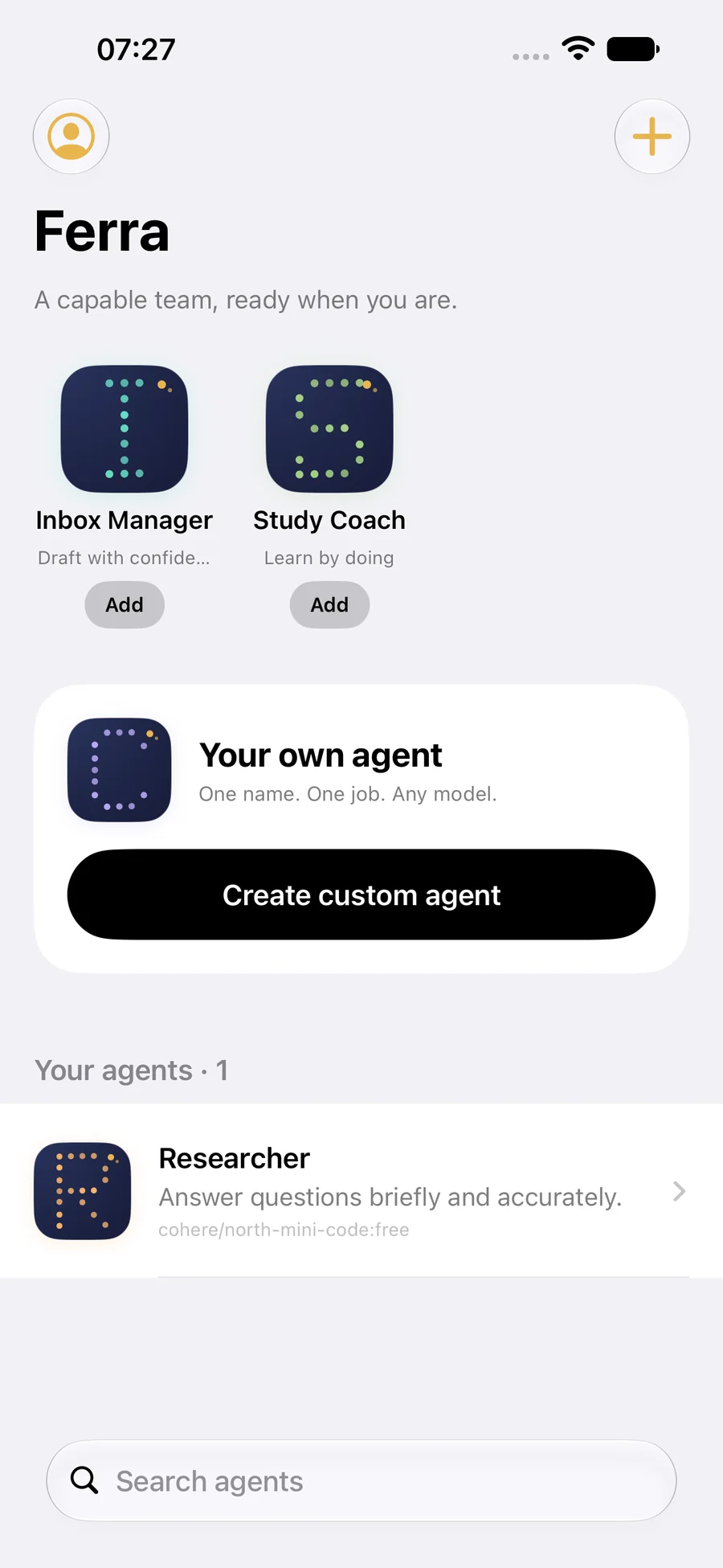
Choose a ready-made agent or make your own. Every agent gets its own name, task, model and conversation history.
Explore any topic with a focused research companion. Add it in one tap, then choose the model that fits your work.
Any model. Chosen by you.No complicated workflow builder. Start with a ready-made agent or create your own, then choose exactly how it thinks and what it can do.
Explore the live OpenRouter catalog by provider. Pick a different model for research, writing, study or anything else you have in mind.
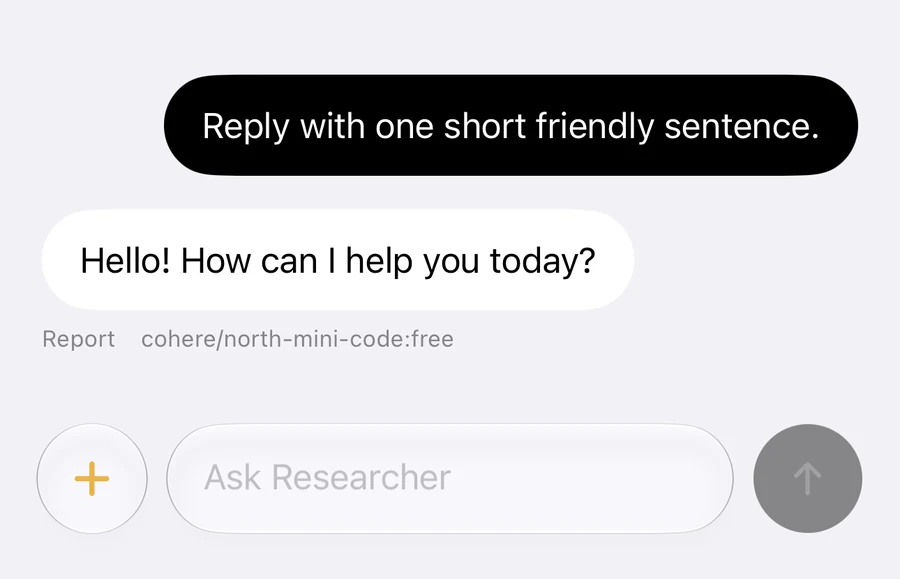
Keep separate threads, attach a photo to a capable model and read clear, formatted answers in English or Uzbek.
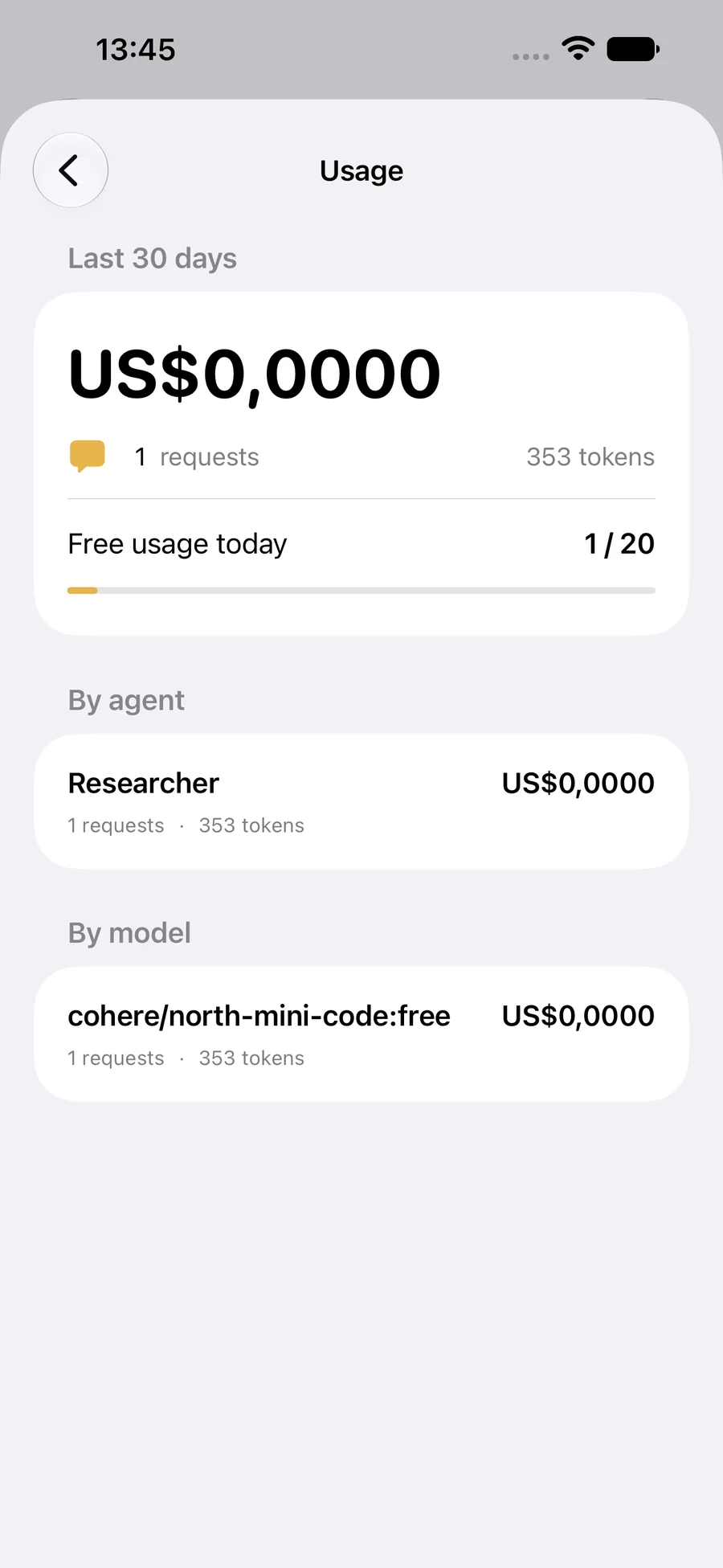
See requests, tokens and model-reported costs by agent and model. Your remaining daily free allowance is always visible.
Connect your own key when you are ready. Ferra uses it only for your requests.
No workflow to draw and no complicated setup. Three clear choices are enough to begin.
Start with Researcher, Inbox Manager or Study Coach, or describe your own focused agent.
Browse the live OpenRouter catalog by provider and pick the intelligence for this agent.
Ask questions, add an image to a capable model and approve any external action before it continues.
When an agent wants to send an email or message, Ferra shows you the recipient and content first. Only after your approval does Apple Mail or Messages open, where you make the final choice.
This will open Apple Mail for your final confirmation.
Ferra’s Open Ferra shortcut works with Siri and supported iPhone Action Buttons. Choose the shortcut yourself in iPhone Settings; Ferra never changes your hardware settings.
Sign in privately with Apple. Ferra has no ads, analytics SDK or cross-app tracking. The Privacy Policy explains what is stored, what OpenRouter processes and how to delete your account directly in the app.
Clear answers about models, cost, privacy and control.
Ferra is a personal AI-agent app for iPhone. Each agent has a name, one focused task, its own model and separate chat threads. You can start with a ready-made agent or create your own.
Ferra is free to download and includes a daily free-message allowance. There is no in-app subscription. If you connect your own OpenRouter key, model charges and OpenRouter’s terms apply to your own account.
Ferra loads the live OpenRouter catalog, with hundreds of models from providers including OpenAI, Google, Anthropic, Meta and others. You choose a model separately for each agent. Image attachments require an image-capable model.
No. Ferra asks for your approval first. Apple Mail or Messages then opens with the proposed content, and you make the final decision in that app. Preparing or approving a draft is not treated as proof that it was sent.
Your key is sent over HTTPS and stored encrypted on Ferra’s backend. The plaintext key is not stored in the app and is never returned to your iPhone after you submit it. You can remove the stored key in Settings.
Open Settings → Delete Account in Ferra. This deletes your account, agents, chats, image attachments, actions, reports, usage history, sessions and encrypted OpenRouter key from Ferra’s active database.
Both apps let you create agents and choose OpenRouter models. The better fit depends on how much coordination and automation you need.
| Feature | Ferra | Stormi |
|---|---|---|
| Agent structure | Separate agents, each with one clear job | A coordinated team led by Chief of Staff |
| Model choice | OpenRouter, chosen separately per agent | OpenRouter, chosen separately per bot |
| Tools and actions | Text/image chat; Apple Mail or Messages after approval | Plugins for email, calendar, CRM, docs and more |
| Automation | No scheduled routines in the current version | Server-side routines and cross-bot handoffs |
| Platform | iPhone, iOS 17 or later | iPhone and iPad |
| Starting price | Free daily allowance; no in-app subscription | Free to start; optional Pro and Max plans |
Checked November 2026 against Stormi’s public website. Features and plans can change.
Ferra keeps each job separate and the important controls visible: the agent’s task, its model, its usage and your approval.
Meet Ferra’s agentsStormi is designed for a team of bots that can coordinate, connect to more external tools and run scheduled routines on its server.
Visit Stormi
Your capable team will be ready when you are.
 Download on the App Store